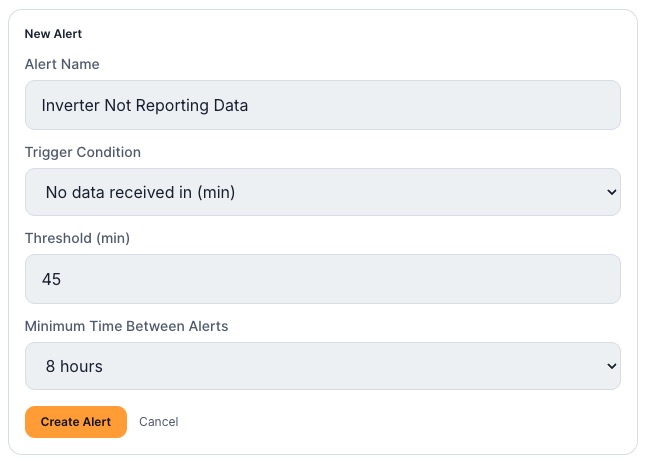
Most monitoring problems are not dramatic. The inverter does not explode; it just quietly stops talking. A loose network cable, a router reboot, or an EG4 portal hiccup can leave you blind without any obvious sign. The "No Data" alert is your safety net.
What it does
The rule is simple: if FourScoped has not received a fresh reading from your system in a number of minutes you choose, it emails you. That is it. No thresholds to tune, n
o daylight logic. Just a heartbeat check on whether your system is reporting at all.
How to size it
EG4 systems typically report every 4 to 5 minutes. You do not want an alert every time one update is a little late, so give it some buffer:
- 30 to 45 minutes is a good default. Long enough to ignore brief network blips, short enough to catch a real outage the same hour.
- 15 minutes if you want to be notified aggressively, for example right after an install while you are confirming everything works.
- 2 to 3 hours if your internet connection is known to be flaky and you only care about extended outages.
Why it is worth setting up first
Every other alert depends on data arriving. If the data stops, your battery and solar alerts go silent too, which is exactly when you would never know something is wrong. The No Data alert watches the watchers.